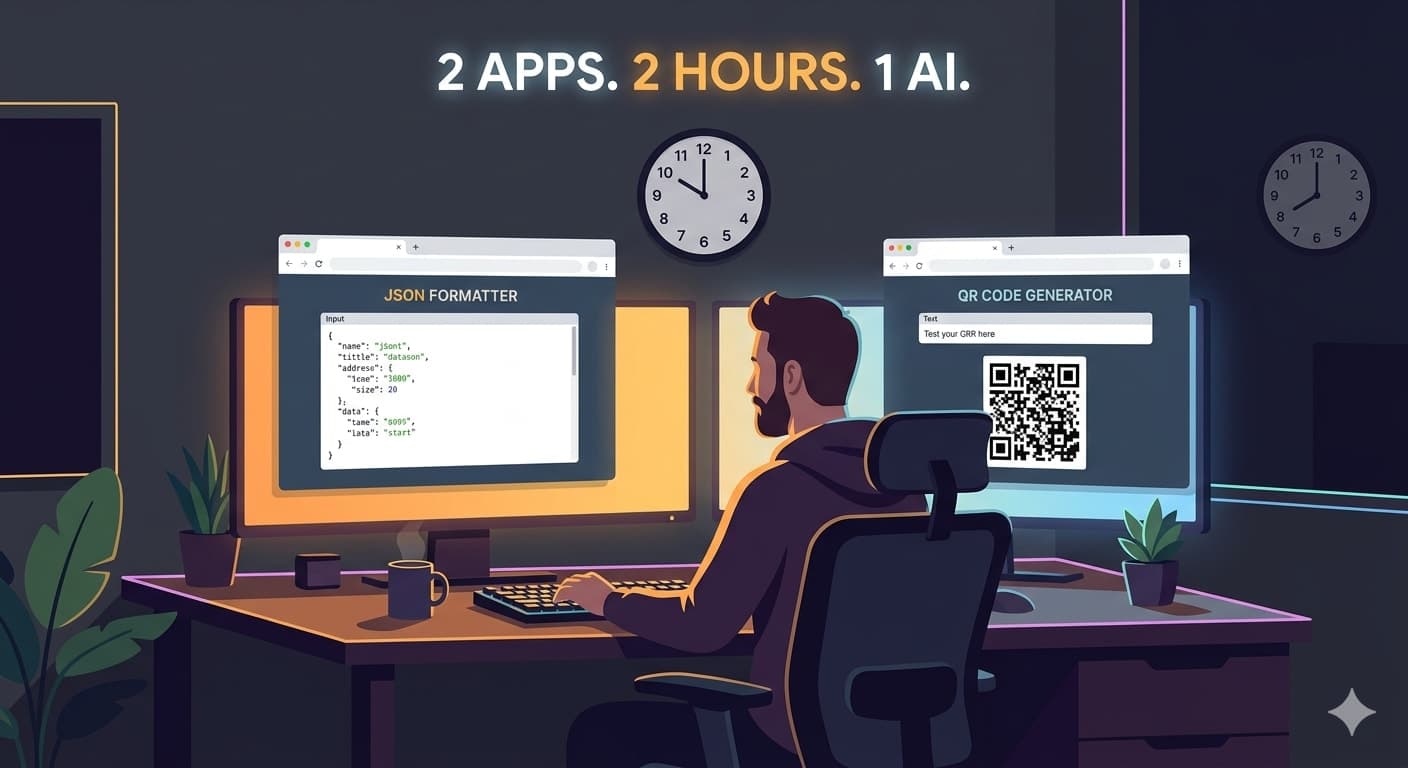
App 1 — JSON Master (a JSON formatter and validator)
Every developer has copy-pasted ugly JSON into some random online tool and quietly hoped it wasn't logging their API keys. I've done it a hundred times. So the first app I built was JSON Master — a free JSON formatter, validator, and developer toolkit that runs entirely in the browser.
No backend. No data sent anywhere. Just paste your JSON and it cleans it up.
I gave Claude a prompt roughly like: "Build a JSON formatter and validator web app. It should have syntax highlighting, error detection, minify/prettify toggle, and feel like a proper tool, not a weekend project."
About 40 minutes later — including a few rounds of feedback on the UI — I had something I was genuinely proud of. The thing that surprised me wasn't the speed. It was the quality. Claude didn't just write functional code. It made decisions. Chose a color scheme. Added keyboard shortcuts I didn't ask for. Structured the layout in a way that actually made sense.
I deployed it on Netlify in about 4 minutes.
App 2 — QR Forge (a QR code generator that does way more than you'd expect)
The second hour went to QR Forge — a QR code generator that handles URLs, plain text, WhatsApp links, UPI payments, WiFi credentials, vCards, emails, and SMS. It also lets you customize the QR style (classic, rounded, dots), swap foreground and background colors, add a center label, and download at 200px, 500px, or 1000px.
That list probably sounds like more than one hour of work. It was. Claude wrote most of it.
I asked for a "professional QR code generator" and then kept throwing requirements at it mid-build. UPI support? Done. vCard? Done. Custom colors with a live preview? Also done. Every time I added a requirement I expected pushback — a broken component, a half-finished feature — and mostly it just... delivered.
The one thing I did manually was GitHub Pages deployment, which took 8 minutes including a config typo I made myself.
What I actually learned
Neither of these apps is a toy. JSON Master solves a real problem for developers who don't want to paste sensitive data into unknown third-party tools. QR Forge covers use cases — UPI payments, WiFi sharing, vCards — that most QR tools don't bother with.
I didn't learn a new framework. I didn't spend a weekend reading docs. I spent two hours in a conversation and ended up with two deployed, functional products.
That's the part that still feels slightly surreal. Not that AI wrote code — we've all seen that for a while — but that the iteration loop is now fast enough to think in. I could change my mind mid-build and it wasn't a cost.
The bottleneck isn't coding anymore. It's knowing what to build and being specific enough about what you want. Prompting is a skill. The clearer I was, the better the output. The vague requests ("make it look nice") needed more back-and-forth than the specific ones ("add a toggle that switches between minified and prettified output and preserves the cursor position").
Would I do it again?
Already did. I'm on app four.
If you've been sitting on a side project idea because "I don't have time to build it" — that excuse is getting harder to make. Two hours is a lunch break. It's a commute. It's a Tuesday afternoon between meetings.
Try JSON Master if you work with APIs. Try QR Forge if you've ever needed a QR code that does more than link to a URL. And if you decide to build something yourself, be specific. Claude can handle the rest.

Comments (0)
Sign in to join the conversation.
No comments yet. Be the first to share your thoughts.